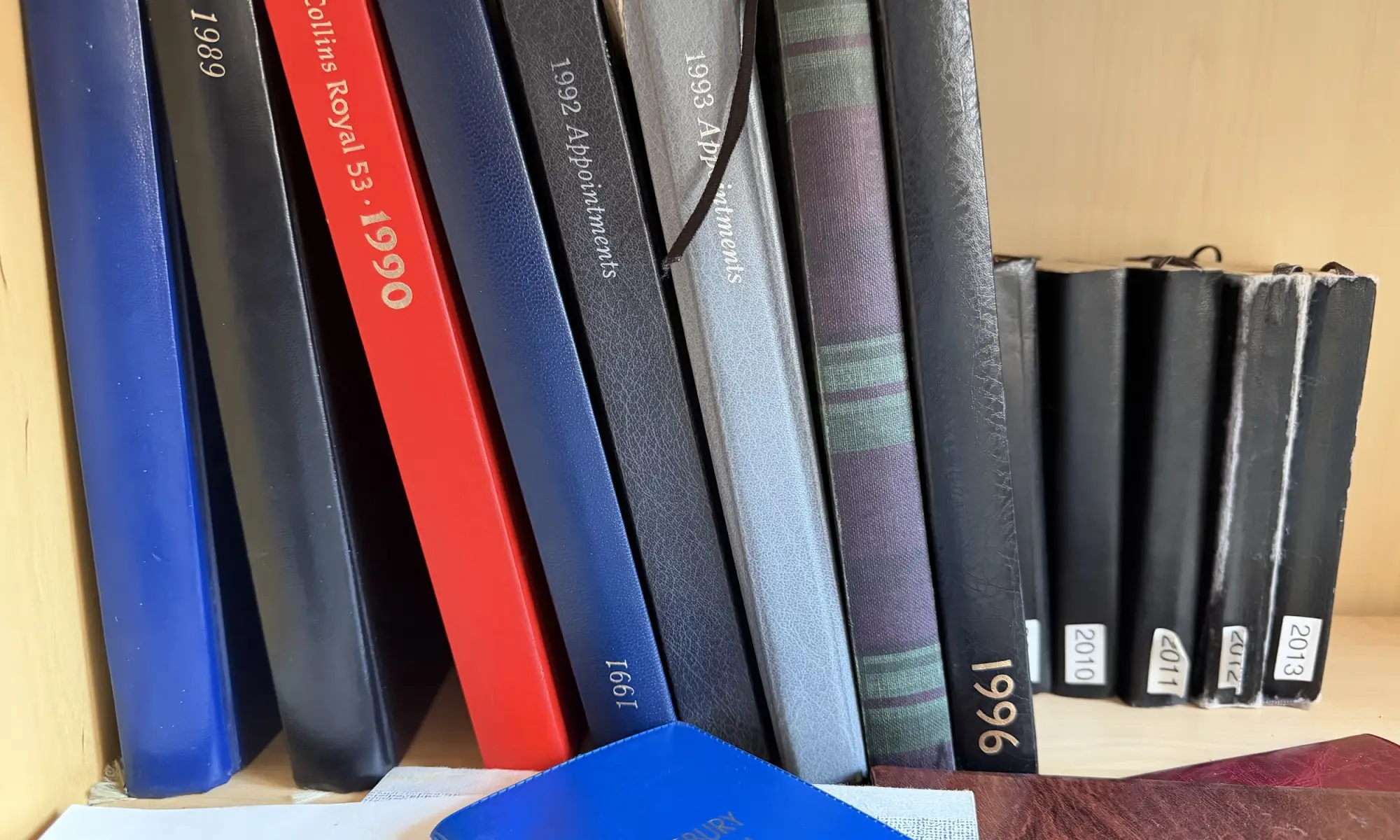
I recently wrote a post about the ongoing project I have been doing to transcribe all my physical diaries and journals into the Day One app. In this post I lamented that when I had tried transcribing my handwritten entries using AI the results had been less than perfect with too many changes and some pretty bizarre hallucinations.
Given the speed with which technology moves and AI even quicker I decided that it was time to give the project another go. Previously I’d used ChatGPT but this time I used Gemini to transcribe a couple of sample pages to see how it got on and the results looked promising. This could be due to the improvements made in the models or simply that my handwriting was more legible in this volume. Either way it looked more promising so I decided to create a script to bulk transcribe.
Transcribing in Bulk
What I wanted was to take a number of page images and have those transcribed to Day One in bulk where I would give them a quick review making any corrections necessary. Therefore, the process is as follows:
- take photos of pages of diary
- correct for colour, skew etc. for which I use Scanner Pro
- place them all in a folder
- rename each page to be the date of the diary entry
- run the transcription script
- review and make any changes necessary to each entry in Day One.
I asked Gemini to write the initial script (I know that many don’t like AI coding but I don’t have a problem with it and if you want to know why read here.) and then I made the adjustments as necessary.
One interesting thing was the prompt that Gemini wrote in order to pass to itself to get the best possible output from the transcription:
You are an expert palaeographer and archivist. Transcribe the handwritten text from this image.
Crucial: Do not insert a line break at the end of every handwritten line. Instead, join the text into continuous, flowing paragraphs just like standard prose. Only insert a line break (a new paragraph) where the author has clearly started a brand new paragraph block or section in the journal. Preserve original spelling, punctuation, headings, and dates. Do not add any conversational intro/outro filler.
This was written based on a couple of sample pages Gemini tried and so may not work for you so feel free to tweak it as necessary.
Using Gemini
While I wanted a way to do the transcription in an efficient way what I didn’t want was to have to pay a fortune for doing so.
Google offers one of the most generous free tiers available for developer APIs. For models like Gemini 2.5 Flash (the model used in this script), the free tier includes:
- Rate Limits: 15 Requests Per Minute (RPM) and up to 1,500 Requests Per Day (RPD).
- Cost: $0.00.
- The Catch: In the free tier, Google may use anonymised prompt and response data to train and improve their models.
The script processes one image at a time and has a sleep delay to ensure that it respects the 15 RPM limit. Since a year has 365 days, you have 365 images—meaning you can easily run the entire archive in about 5 to 10 minutes, completely under the 1,500 daily free request ceiling.
At least, that was the idea – read on for why that didn’t really work in practice.
Setting up for use
To get up-and-running you can download the latest code from the Github page here. Once downloaded rename config_dummy.php to config.php and edit.
// --------------------------
// CONFIG for transcribe.php
// --------------------------
define("GEMINI_API_KEY", "<your Gemini API key here>");
define("IMAGE_DIR", __DIR__ . '/images/');
define("OUTPUT_DIR", __DIR__ . '/transcriptions/');
define('INCLUDE_IMAGE', true);
define('GEMINI_ENDPOINT', 'https://generativelanguage.googleapis.com/v1beta/models/gemini-2.5-flash:generateContent');
define('DAYONE_JOURNAL', '<your DayOne journal name here>');
As a minimum you need to add your Gemini API key and the name of the journal in Day One entries should be created in.
How to get a Gemini API Key
Google provides keys through Google AI Studio, which is their web-based prototyping environment for developers.
- Go to Google AI Studio and log in with your standard Google account.
- Click the prominent “Get API Key” button (usually in the top-left sidebar).
- Click “Create API Key”.
- You can choose to associate it with an existing Google Cloud Project or let it generate a new default project for you.
- Copy your key and paste it securely into your local script configuration.
Adding Folders and Images
Next, you need to create two folders in the same location as the script itself. By default these are named “images” and “transcriptions” but you can change both the names and locations in the config file.
Drop your page images into the images folder and at this point you have two choices:
- rename the files to
yyyy-mm-ddformat and the entries will be created on that date - leave the filenames as is and the entries will be created on today’s date.
Running the Script
Everything should now be in place to run the script which you can do by navigating to the folder that contains the script and entering:
php transcription.php
And if everything goes to plan you should see something like this…
As the script works through the images in the folder it checks to see if there is a transcription already available and if there is skips it. If not then it sends the image off to Gemini, takes the resulting text and stores it in a text file and then exports that to a new Day One entry.
Despite trying very hard to keep the calls to within the free resource limit it is still possible to exceed these in which case you will get an error code 429. At this point the script will keep retrying every 30 seconds for three goes and then fail. When I get this error I usually just quite the script and run again later. As long as you don’t delete anything in the transcription folder the script will skip anything that was previously completed.

It is also possible that you might get a 503 error due to high demand in which case the script will again retry but you’d be better off coming back later.

Conclusion
When typing the entries in by hand I would do about two pages a day which meant it took six months to complete a full diary. With the pages transcribed I can easily do a week a day which is a considerable saying so this is clearly the way to go (for me anyway!)
One comment on “Transcribing handwritten diary entries into Day One”