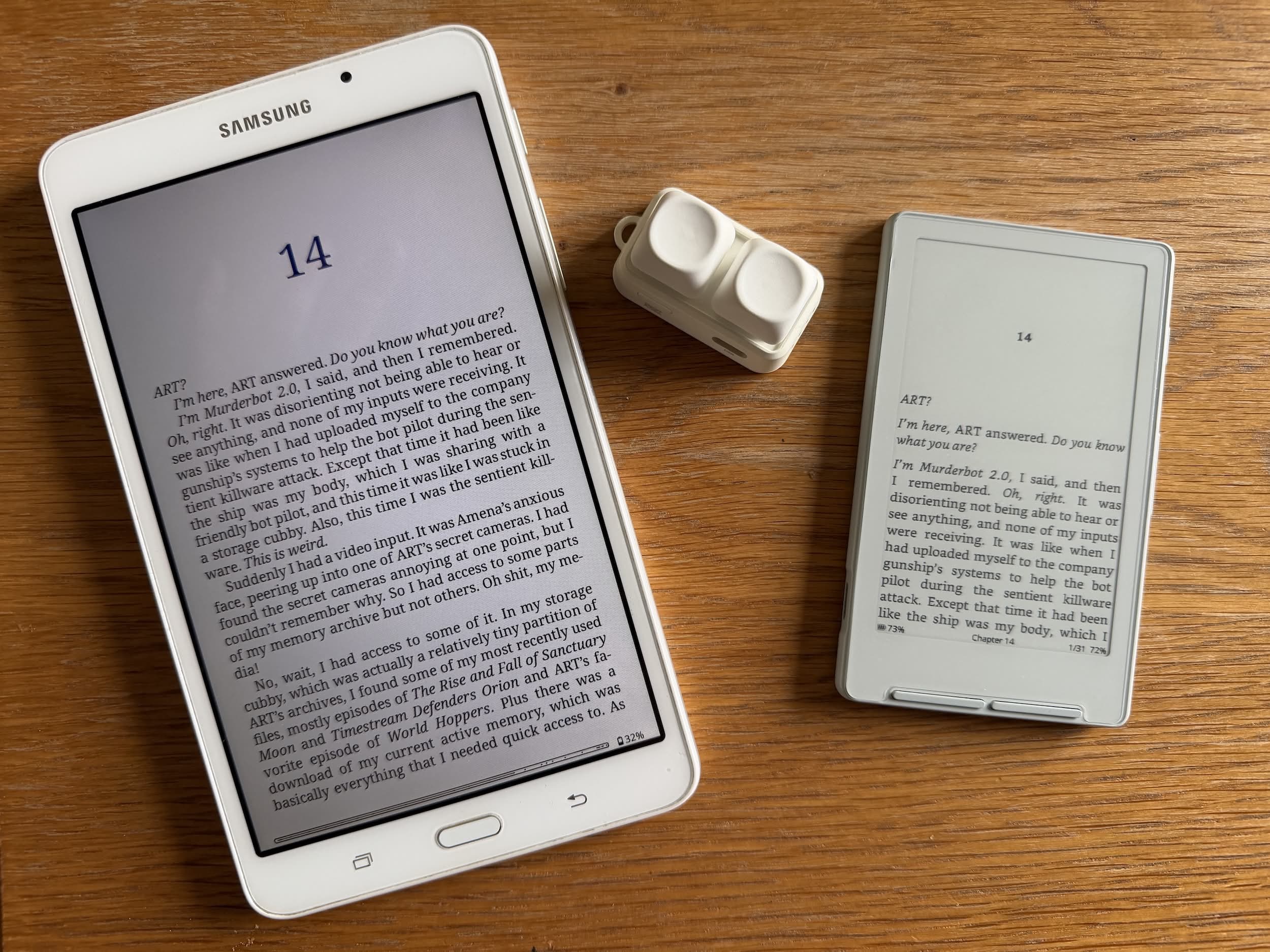
When looking at the third-party options that are available for the Xteink X4 eReader one that frequently came up that peope wanted were page turners and, in particular, the Free2.
What’s a Page Turner?
Page turners are a two-key physical keyboard that is linked to your device via Bluetooth and maps onto the previous and next page buttons on your eReader. If you have your device in a stand or anywhere that’s not in your hand, you can use these keys to turn the pages. Actually, you can use them when the device is in your hand too, but that seems to defeat the object somewhat.
I have to admit that I couldn’t really get my head around why anyone might want a page turner but they seemed to be popular with the visitors to r/xteinkreader so I thought I would give one a go. The device that is most often cited in r/xteinkreader is the Free2, shown in the images below, and is available on AliExpress for about £17.
At present, this is something only for those that are on the stock firmware, as Bluetooth isn’t (currently) supported on CrossPoint, although there are some forks of CrossPoint that include Bluetooth support.
The Free2
I was pleasantly surprised when I opened the package to find not only the box containing the Free2 itself but also three small plastic containers. One with an extra set of keycaps, a second with a pair of replacement mechanisms and the final one held some tiny little toy figure (no idea!). There were also some stickers, presumably to mark the keycaps, but given that they were in Chinese, I have no use for them.
What’s in the box
This is what I received:
- Free2 page turner
- 2x solid white keycaps
- 2x clear blue keycaps
- 2x red press mechanisms
- 2x blue press mechanisms
- Instruction leaflet
- Keycap stickers
- USB-C Cable.
For around £17 I thought that this represented pretty good value for money.
Free2 In Use
The Free2 is paired to your device via Bluetooth and that was a quick and easy process to my Android Tab 10 running KO Reader.
The device actually has four different modes, selected by a short press on the on/off button when the device is awake, as follows:
- Music mode (Play/Pause)
- Page Turner (Up and down buttons)
- Page Turner (Left and Right buttons)
- Audio/Photo mode (Volume up and down)
It will come as no surprise that pressing one button turns the page of the book forward one, and the other back one. It is simple and works well.
Wanting to know what the different mechanisms did, I swapped out the red for the blue and found that one is virtually silent while the other makes the keys sound and feel more like a mechanical keyboard. So it’s up to you what you choose but I went for the latter.
Basically, if you choose the “Blue” axis, it will be loud and clicky like an old-school keyboard. If you choose the “Red” axis, it is smooth and linear.
I’m still not convinced about the need for a page turner, but it is a lovely tactile thing and beautifully made. I enjoy mine simply as a fidget tool as much as its intended use.


