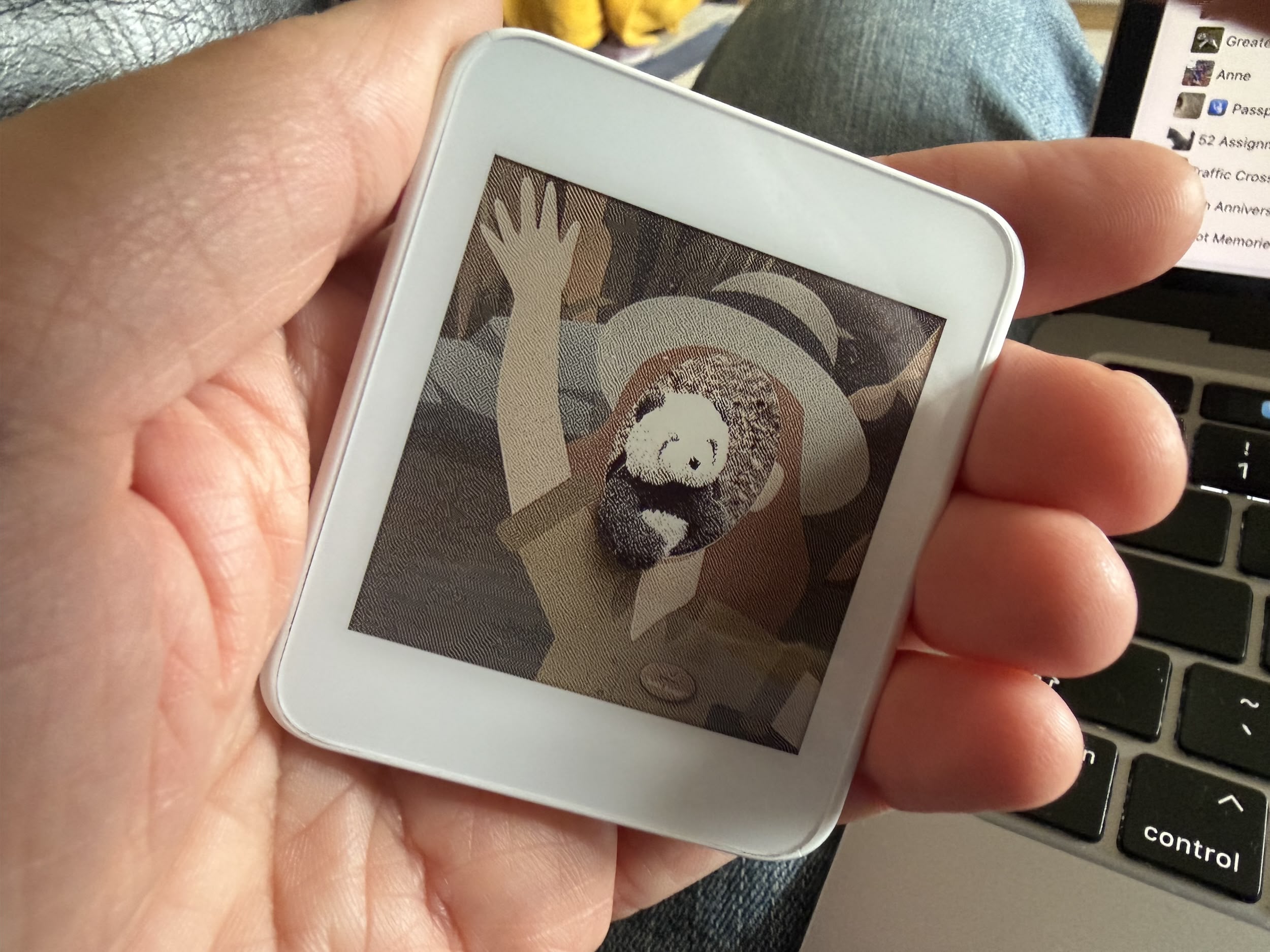
Following on from my previous post taking a look at the Xteink Tong Card, in this post I am looking at how you can flash the card without using the official Xteink app.
What’s the Issue?
In order to put an image on the card you need an app to select the image and then flash it onto the card using NFC. This you can do with the official Xteink app, but only if you are using the Mainland China version, which requires a Chinese phone number to register. As I don’t have one of these, I went searching for a third-party solution.
I felt that this was more than likely to be a generic card under the skin than something proprietary, so I searched on the App Store for likely candidates.
There are a surprising number of NFC eink apps to choose from and most of these didn’t recognise the card at all. Then, OneHappyPenguin on Reddit said that they’d has some success with the NFC Eink app so I downloaded that and give it a go.
NFC Eink App
The app is definitely a bit rough-and-ready. Most, but not all, of the labels have been localised into English which makes it challenging. Also there are no instructions, so it was all a bit hit and miss finding out what to do, but I got there in the end and managed to flash the card with a new image.
The video below shows using the app in practice:
Very loose instructions are as follows:
- Click the FM_Bind_Device button and register your device
- Click the FM_Album_Import button and choose an image
- Select the dithering option which is labelled “抖动算法”
- Click the write screen button, the middle one labelled “仅写屏”
- Click the FM_Refresh_Screen button and hold the card against your phone until the write has finished.
The NFC point on the Tong Card is right in the middle and it doesn’t matter whether you do it to the front or the back.
Tong Card Task List
One of my use cases for the card is to put a list and instructions on it for quick reference when out and about. For example, I might have a list of items I need to buy from the shop or travel directions to reach a destination. What I wanted was a quick and easy way to create the 428 x 428 pixel image file that I could then send to my card so I developed Tong Card Task List.


You will note that the colours on the card look washed out compared to the original and green and blue have been rendered as black. This is because the Tong Card is only four colour: red, yellow, black and white so pictures that are strong on those colours will work best.
My long-term aim is to write this as an iPhone app allowing you to create the list, export it to an image and the flash the card via NFC without multiple steps but that’s a way off and, for now, Tong Card Task List will have to suffice. You can download the code from my Github page here.