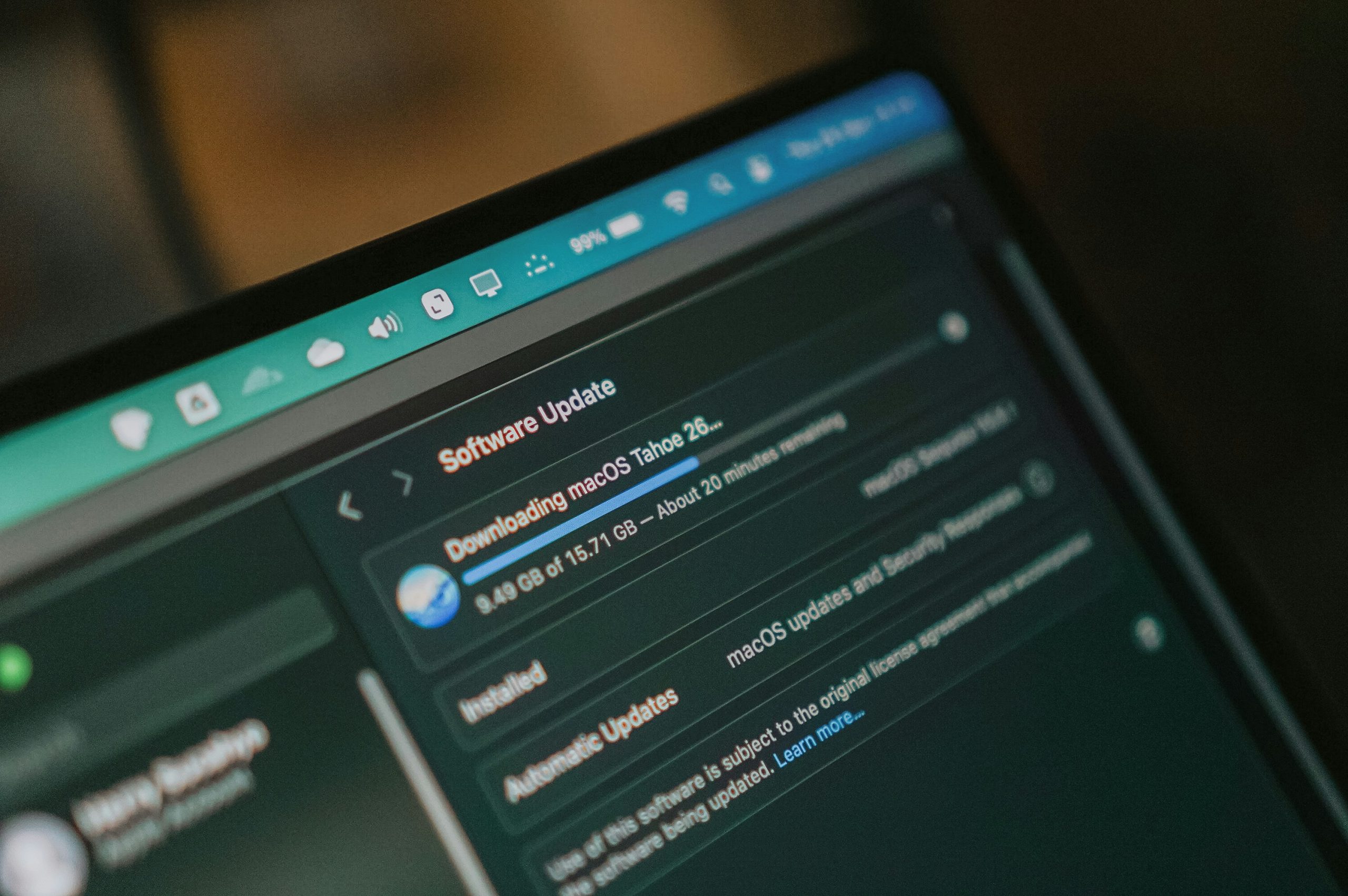
I’d decided that I was going to setup my MacBook Neo as a new machine, rather than burden it with all the bloat from my MacBook Pro backup. This gave me both the opportunity to start with a clean machine but also to make a list of my essential software to install.
The List
Here are all the apps I consider to be essential enough to install as soon as I get a new machine. Other apps come and go, but these I use daily. Presented here in no particular order.
| App | Paid/Free | Description |
|---|---|---|
| 1Password | Paid (~£65, family plan) | An, in my opinion, excellent password manager that works seamlessly across all my devices. |
| Firefox | Free | A web browser not tied to Google or Microsoft. |
| PopClip | Free trial then paid (£12pa or £20 lifetime) | A highly configurable pop-up menu that appears when you select text on screen. Add in an almost infinate number of actions or create your own. |
| Yoink | Free trial then paid (£9 one-off) | A “shelf” that appears when you start to drag anything. Drop it onto the shelf and then drag it to a new location. |
| AllMyBatteries | Free/In-app purchase (£7 one-off) | As the name suggests this app allows you to see the charge state on all your Apple devices in one place. Quite honestly, this ought to be part of the OS, but this is such a slick implementation that you could believe it’s from Apple. |
| Ice | Free | I don’t know about you but I get lots of apps adding things in the menu bar. Ice allows you to manage all of these. Hasn’t been updated in a while. |
| BitDefender | Paid (£90 for five devices) | There has been talk about whether a anti-spam and malware checker is needed on a Mac but why take the chance? I have been using Bitdefender for year. It work in the background and doesn’t take up too many resources. |
| Day One | Freemium (£37) | Now owned by the same people that own and run WordPress, Day One is a journaling app. I have over 7,000 traditional diary-type entries in mine and 22,500 in total. See here, here and here for how you can import entries from WordPress, Foursquare and Last.fm respectively. |
| Spark | Freemium (£75) | I still get lots of emails a day from a number of different accounts and need an efficient way of managing them all. Over the years, I have tried a number of different clients, but Spark is the one that works best for me. I have never paid for it as the base functionality has been sufficient for my needs. |
| Evernote | Paid (£185+) | I have been using Evernote since 2008 and have seen many changes since then. After a period of decline it is back on the rise again since the purchase by Bending Spoons. What’s also on the rise is the subscription price, which is now eye-watering. However, the thought of moving 58,000 notes somewhere else isn’t very appealing. |
| Daisy Disk | Paid (£7.5 one-off) | Of course, at some point you are going to want to know where all your disk space has gone (Evernote and photos in my case) and Daisy Disk helps you visualise this and clean up some of the file you don’t need. |