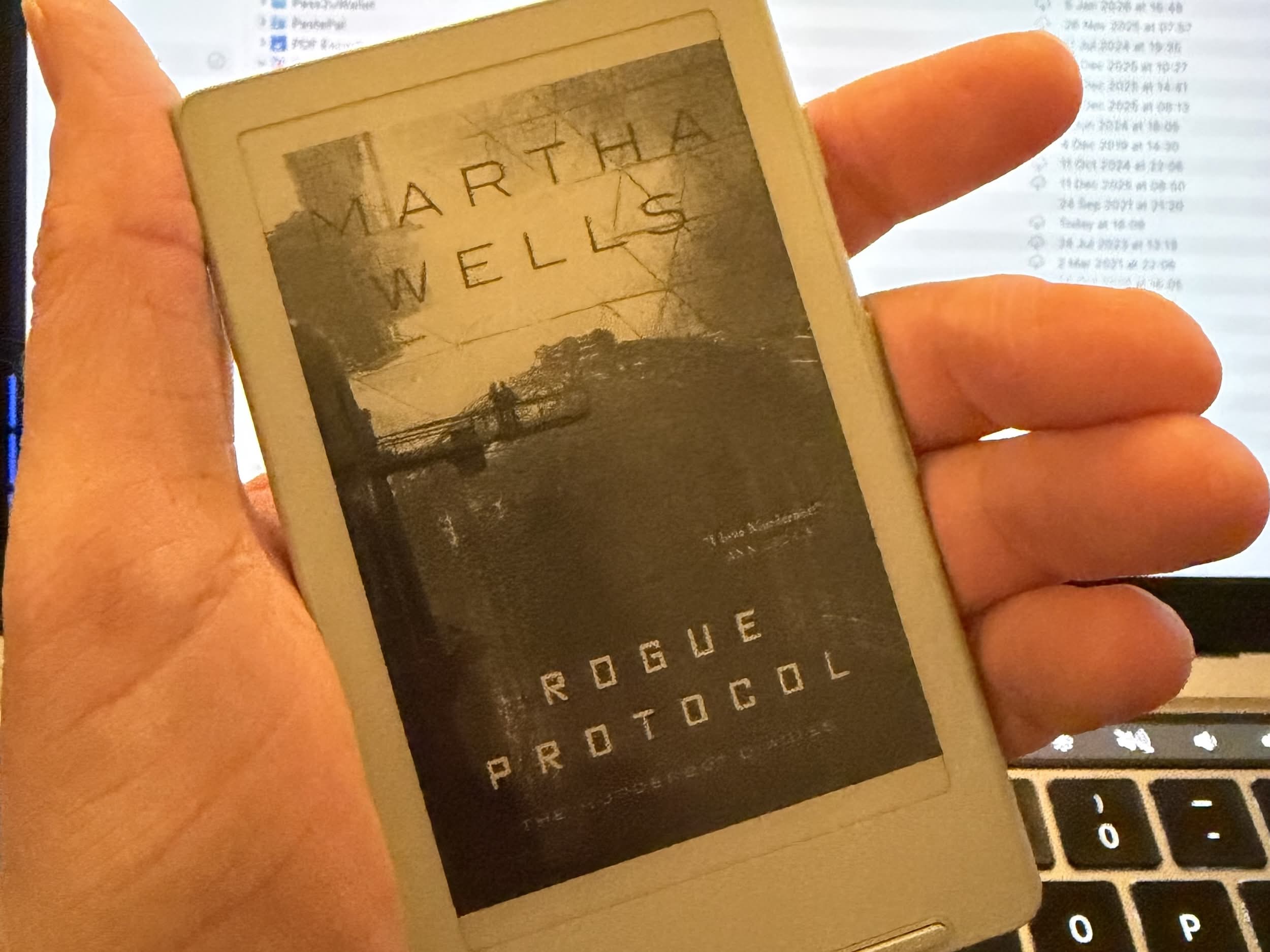
I’ve been having a bit of an e-reader renaissance recently with the purchase of an Xteink X4 reader, the tiny pocket reader. This is my first e-reader in about 16 years since my Sony Reader all those years ago. Something that hasn’t changed in all those years is the page flashing when the display needs refreshing.
If you don’t know what I am referring to, take a look at this video below, which shows page refresh in action on the Xteink X4.
Here is why that refresh (often called a “full page turn”) is necessary:
The Physics of “Digital Ink”
Inside an electronic paper screen are millions of tiny microcapsules filled with clear fluid. Within that fluid are even tinier black and white particles.
- White particles have a positive charge.
- Black particles have a negative charge.
When you turn a page, the device applies an electric field to move these particles to the top or bottom. Unlike a TV, which needs constant power to stay on, electronic paper particles stay exactly where they are once they’ve moved.
The Problem: “Ghosting”
Because these are physical particles, they don’t always behave perfectly. Sometimes, when you turn a page, a few black particles might get “stuck” or fail to move all the way to the bottom.
This leaves a faint, lingering image of the previous text behind—a phenomenon called ghosting. If you’ve ever seen the faint outline of the previous page’s words while reading, you’ve seen ghosting.
The Solution: The Full Refresh
To fix this, the e-reader performs a “Global Refresh.” This is that quick black-and-white flash you see.
- It sends a strong electrical pulse to reset every single capsule to black, then white, then back to the new text.
- Think of it like shaking an Etch A Sketch or clearing a chalkboard; it ensures the “canvas” is perfectly clean so the next page is crisp and high-contrast.
Do Modern e-readers still do this?
In the early days of Kindle and Nook, the screen refreshed on every page. Modern electronic paper screens are much more efficient and use “partial refreshes” for 5 to 10 pages at a time to keep the reading experience fluid. Eventually, though, the “ink” artifacts build up, and the screen has to do a deep clean.
Here is how the latest models handle it:
It’s significantly faster
The newest Paperwhites use a display technology (Carta 1300) that is roughly 20–25% faster than previous versions. The “flash” is so quick now that many people stop noticing it after a few minutes of reading.
It happens less often
By default, modern Kindles use a “partial refresh.” Instead of flashing the whole screen every page, they only move the ink particles for the specific letters that are changing. A full black-and-white flash usually only triggers:
- Every 5 to 10 pages (to “clean” the background).
- When you open a book or go back to the home screen.
- When a page has a large image or heavy formatting.
The “Page Turn Animation” trick
Amazon recently added a setting called Page Turn Animation. When you turn this on, the Kindle mimics the look of a physical page sliding across the screen. This “masks” the refresh process, making the transition feel smoother and more like a tablet, though the underlying physics is still the same.
You have control
If the flashing bothers you (or if you hate the ghosting and want more flashes), you can toggle the frequency:
- Go to Settings > Home and Library > Reading Options > Page Refresh.
- Off: The Kindle will only do a full refresh every few pages (best for most people).
- On: The Kindle will do a full black flash on every page turn (best if you want the sharpest possible text with zero ghosting).
And now you know all about flashing eReaders!
I got my X4 a couple days ago, and now here I am! Thanks for the writeup, I learned something!
Glad you found it interesting. The X4’s a great device isn’t it?