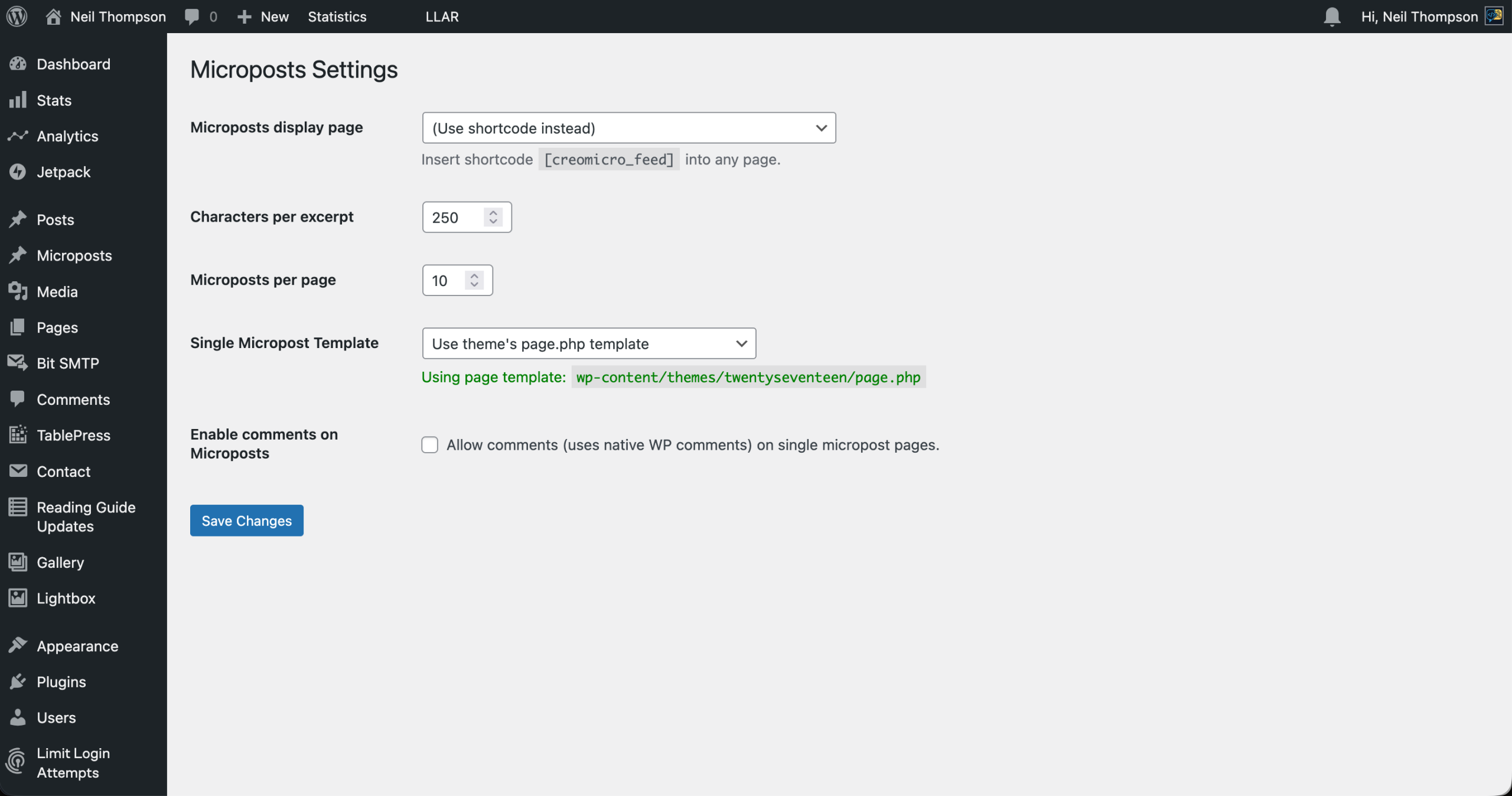
I have accounts on plenty of microblogging sites (Twitter, Mastodon, Bluesky and even Threads) but they are all owned and controlled by someone else. I decided that I wanted something that I could use and manage, and a quick search came up with Michael Gbadebo‘s WordPress plugin called Microposts.
I installed this and after playing around for a while, I decided that it was just what I was looking for. However, it was quite cumbersome to make a post from a mobile device when I was out and about. What I wanted was a simple page from which I could post including an image so I built this connector.
Very much inspired by my php2Micropost project this package will allow you to easily integrate creating Microposts from your own code.
Functionality
When creating Microposts you can include the following:
- header
- body text
- single image
- multiple tags
Only the body text is mandatory.
Via the standard WordPress api all the above are supported and I wanted that to be the same for my wrapper.
One note on tags. While I have successfully created tags and associated them with a Micropost, they don’t get displayed on the post stream or page itself. I also cannot find a way of filtering the Microposts by tags, as you would be able to with a regular post. That’s something that I need to investigate, but it doesn’t affect this code at all.
In Use
php2Micropost is built as a composer package (you can use it without, but it is much easier this way). To install just:
composer.php require williamsdb/php2micropostThe following are example of php2Micropost in use.
Connecting
In order to use the WordPress API you need a account password. You can read how to create one here. Once you have that you can set up php2Micropost as follows:
require __DIR__ . '/vendor/autoload.php';

use williamsdb\php2micropost\php2Micropost;

$base_url = 'https://www.your-domain.com/wp-json/wp/v2';
$username = 'WordPress username with write permissions';
$password = 'Your 24-character Application Password';
$parseURL = false;

$php2Micropost = new php2Micropost(
    base_url: $base_url,
    username: $username,
    password: $password,
    parseUrls: false,
);
$connection = $php2Micropost->wordpress_connect();
You now have a conneciton string that you can use to create Microposts.
Sending post with only text
Text sent can either be plain text or HTML. If you send plain text and the parameter $parseURLs is TRUE then the text will be checked for URLs and if any found they will be wrapped in <a href="URL">URL</a>. If you are passing HTML then $parseURLs should be set to FALSE to stop any URLs being double wrapped.
$text = "This is a test post from php2Micropost. " . date('Y-m-d H:i:s');

// post with text and nothing else
$response = $php2Micropost->post_to_wordpress(
    connection: $connection,
    text: $text,
    title: '',
    media: '',
);
Uploading a post with a single image
Microposts only accepts a single image, effectively the feature image, so that’s all that is allowed here. The example below shows a local image but you can also pass a URL to an image too and that will also work.
The following image types are supported:
- image/jpeg
- image/png
- image/gif
- image/jpg
$image = "/Users/neilthompson/Downloads/IMG_9547.jpeg";

$text = "This is a test post from php2Micropost. " . date('Y-m-d H:i:s');

// post with text and nothing else
$response = $php2Micropost->post_to_wordpress(
connection: $connection,
text: $text,
title: '',
media: $image,
);
Adding tags to a post
You can also send one or more tags to be associated with the post. If the tag already exists, it will be associated with the post; otherwise, it will be created. Tags must be passed as an array and are case insensitive.
$tags = ['test', 'php2Micropost', 'reading'];

$text = "This is a test post from php2Micropost. " . date('Y-m-d H:i:s');

// post with text and nothing else
$response = $php2Micropost->post_to_wordpress(
    connection: $connection,
    text: $text,
    title: '',
    media: $image,
    tags: $tags,
);
Conclusions
A fun little project that I was able to put together quickly by reusing much of the PHP2Bluesky code and knowledge I had gained there. Next, I need to actually install Microposts on this site!
You can see the code here on my Github page.
