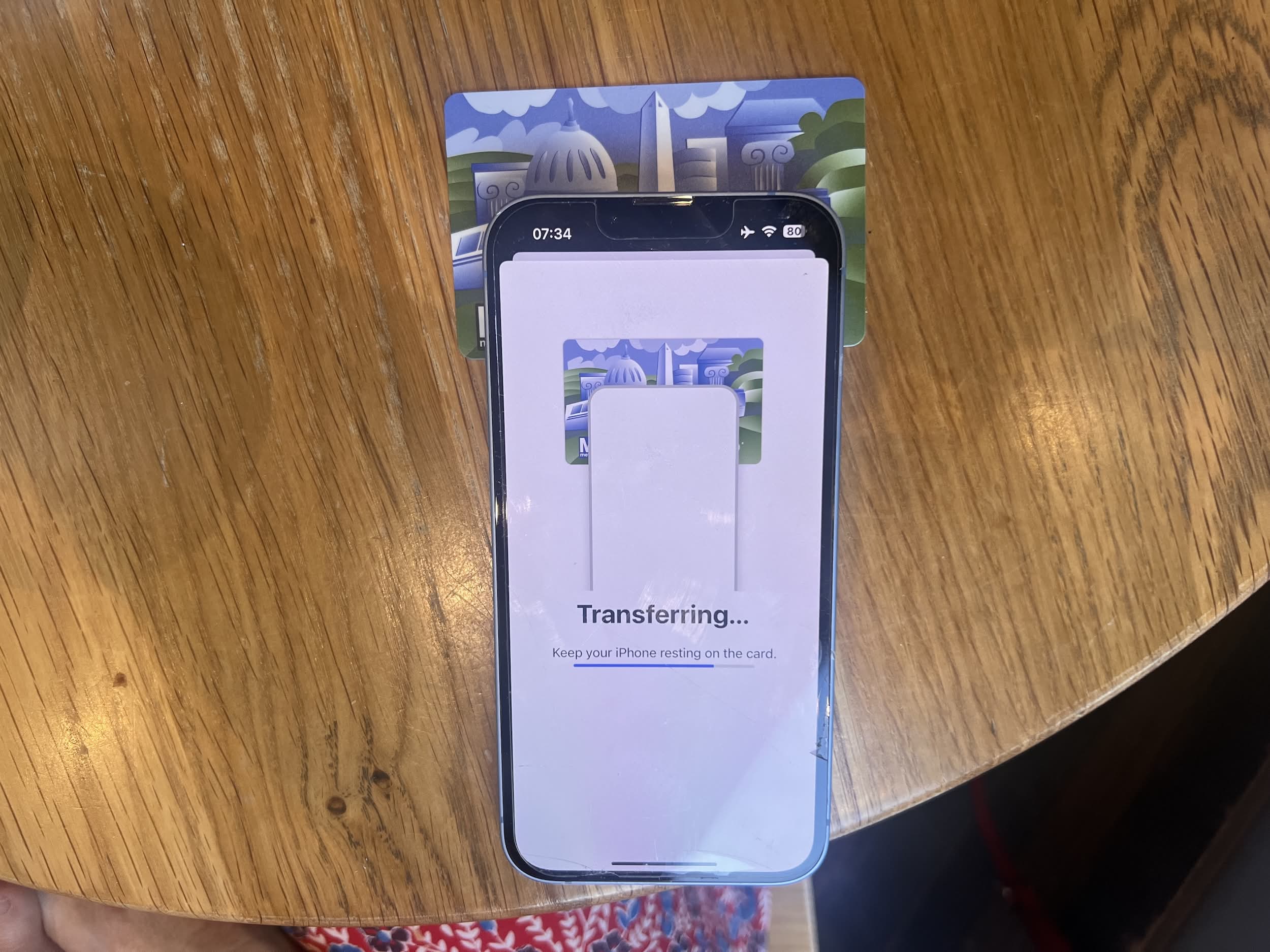
On a recent trip to Washington DC we discovered the Metro’s smartcard “SmarTrip” which can be used to tap-in and tap-out at stations and on buses too. This was pretty convenient, but it meant yet another plastic card to carry around and potentially lose.
However, there were signs up saying that it was possible to transfer the balance from a physical card to your Apple Wallet (or Google equivalent if you were that way inclined). The instructions were simple enough:
To transfer your SmarTrip card to Apple Wallet, open the Wallet app on your iPhone, tap the “+” icon, select “Transit Card,” then choose “SmarTrip.” Follow the prompts to transfer your existing card by placing it against the back of your iPhone.
I camped in a Starbucks and gave it a go. I know that this is just NFC at work with, I assume and hope, some secuity built in but it really is (almost) indistinguishable from magic. You go through a simple flow and then your card appears in your wallet.
Having the card in your phone’s wallet like this brings additional advantages: you can instantly see the balance, and you can top up from your phone anywhere. This is a great example of when technology can be very useful.
